A business owner called us in a panic because his GSTIN was suddenly suspended. He hadn’t missed any returns. He hadn’t received any notice. The problem was simpler — and more avoidable — than he expected.
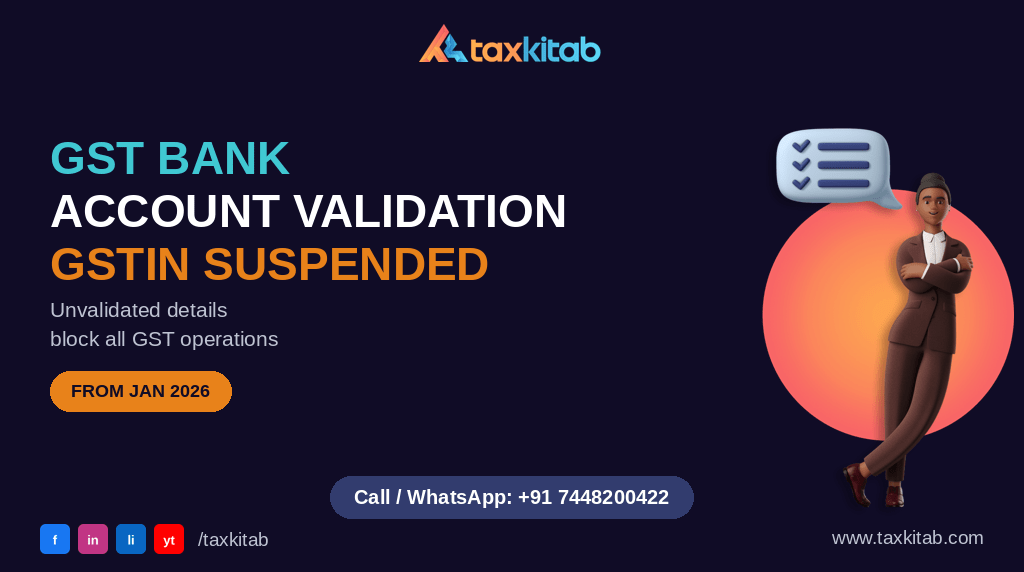
From 1 January 2026, the GST portal suspends GSTIN registration automatically if bank account details are missing, mismatched, or unverified. A suspended GSTIN blocks all GST operations — you cannot file returns, generate e-way bills, or issue valid e-invoices until the bank details are validated.
GSTIN suspended or worried your bank details aren’t validated? WhatsApp us and we’ll check your portal status immediately.
Quick Summary
| Requirement | Detail |
| Mandatory from | 1 January 2026 |
| What must be validated | Bank account linked to each GSTIN on the GST portal |
| What triggers suspension | Missing, mismatched, or unverified bank details |
| What suspension blocks | Return filing, e-way bill generation, e-invoice IRN creation |
| How to fix | Update and validate bank account in GST portal → Amendment Registration |
| Time to resolve after update | Usually 1-3 working days for validation to process |
💡 TaxKitab Tip Bank account validation issues are especially common after a business changes its bank or opens a new account — the old account gets closed but nobody thinks to update the GST portal. We’ve seen businesses discover this three months later when they try to file GSTR-3B and find themselves suspended. Check your GST portal bank details at the start of each financial year, not when something breaks. — From TaxKitab’s own practice experience
💡 TaxKitab Tip Before changing your business bank account, first add and validate the new account on the GST portal. Only after successful validation should you close the old account. This simple sequence prevents unnecessary GSTIN suspension and refund delays.
Why This Rule Exists
The government’s stated rationale: refunds were being diverted to incorrect accounts, and mismatched bank details were being used to route fraudulent claims. Mandatory validation ties each GSTIN to a verified, active bank account — the same account to which any GST refund would be credited. If the account doesn’t match or hasn’t been verified, the registration is treated as incomplete and suspended pending correction.
What Counts as “Unvalidated”
A bank account on your GST profile counts as unvalidated if: it was never formally verified through the portal’s penny-testing or Aadhaar-linked process, the account has since been closed and no replacement added, the account holder name on the bank record doesn’t match the GST registration name, or you changed banks and updated one system but not the other. The validation requirement isn’t just about having a bank account — it’s about having an active, verified account whose details are consistent across the GST portal and the bank’s own records.
How to Check and Fix This Right Now
- Log into gst.gov.in → My Profile → Bank Accounts. Check whether your bank account shows as validated or pending.
- If the account is listed but shows as unvalidated, initiate the validation process from the same screen. The portal uses penny-testing (a small credit to the account) to confirm the account is active and owned by the registered entity.
- If your bank account has changed, go to Amendment of Registration → Non-Core Amendment → Bank Account Details. Update with the new account details and submit. This doesn’t require a fresh GST registration — it’s an amendment to the existing one.
- After updating, the validation process typically takes 1-3 working days. During this period, monitor your GSTIN status on the portal.
What Happens to Invoices and Returns During Suspension
A suspension creates a gap in your compliance chain. You cannot file GSTR-1 or GSTR-3B while suspended. Your customers cannot receive valid ITC on invoices you issue during this period, since their IMS dashboard will not receive invoices from a suspended GSTIN correctly. E-way bills cannot be generated, blocking physical movement of goods. The faster you resolve the bank validation, the smaller the gap.
Frequently Asked Questions
Does this apply to businesses that don’t receive GST refunds?
Yes. The bank validation requirement is across all GSTINs regardless of whether they have pending refunds. The refund process was the trigger for the rule, but the requirement is universal.
Can I operate during the validation period after submitting new bank details?
The GST portal typically restores normal operation within 1-3 working days after you submit a valid amendment. If your GSTIN is suspended and you’ve submitted the amendment, follow up directly through the GST helpdesk if validation takes longer than expected.
What if my business has multiple GSTINs under the same PAN?
Each GSTIN needs its own validated bank account on the portal. One validated account under one GSTIN doesn’t cover others — verify each registration separately.
Is this the same as the “bank account mandatory for GST registration” requirement for new registrations?
Related but not identical. New registrations now require bank account details as part of the registration process itself. This bank validation rule is specifically about existing registrations that may have outdated or unverified details.
Can I add more than one bank account on the GST portal?
Yes. Eligible taxpayers can maintain multiple bank accounts on the GST portal, subject to the portal’s permitted limit. However, ensure that all active accounts are correctly validated and update or remove closed accounts to avoid compliance issues.
References
- CGST Rules — Rule 10A (furnishing of bank account details after registration)
- GST Portal advisory on bank account validation, effective 1 January 2026
Last Updated: 09 July 2026
Reviewed By: TaxKitab Team
This connects directly to our post on GST registration cancellation and suspension — bank validation failure is now one of the most common non-obvious triggers for suspension alongside the non-filing triggers covered there.
Related Reading
Need help with this? TaxKitab handles GST Return Filing for businesses across India and overseas. You may also find our Compliance Calendar useful. Talk to us.
Call or WhatsApp: +91 7448200422 Email: info@taxkitab.com Website: taxkitab.com See our GST Return Filing service or Contact us.