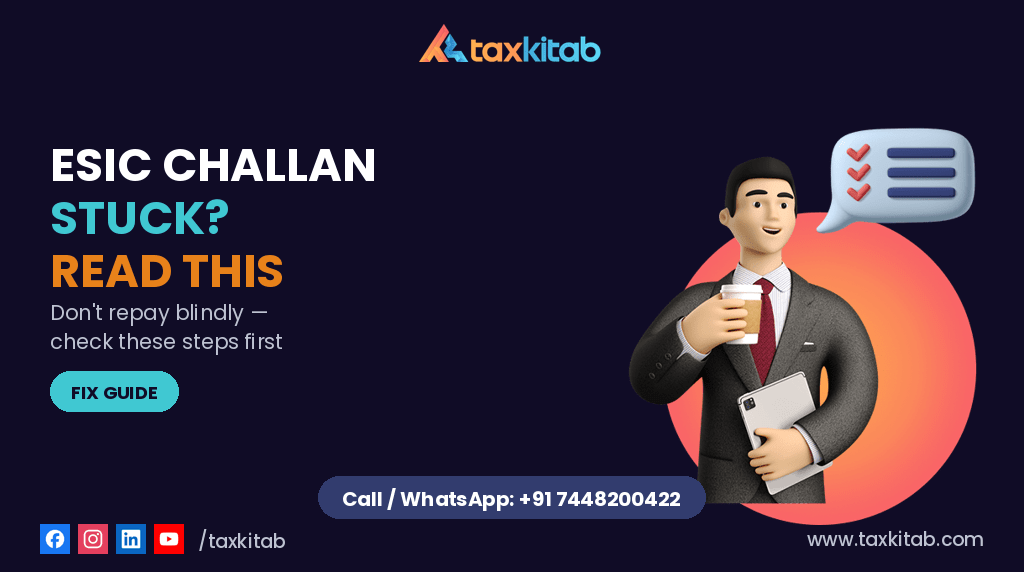
This is one of those situations where the instinct to “just pay again to be safe” usually makes things worse, not better. If your bank shows a debit for ESIC but the portal shows no challan, the right move is to confirm what actually happened before sending a second payment — because untangling a genuine duplicate payment afterward takes considerably longer than the few minutes it takes to check properly first.
Payment stuck right now? WhatsApp us your transaction details before you pay again — we’ll help you check first.
| Step | Action |
|---|---|
| 1 | Check bank transaction |
| 2 | Verify challan status |
| 3 | Wait 24–48 hours |
| 4 | Contact ESIC office |
| 5 | Avoid duplicate payment |
Check These Before Doing Anything Else
- Look at your bank statement directly. Note the exact amount debited, the date, and the transaction or UTR reference number. You’ll need this regardless of what you do next.
- Log into the ESIC employer portal and check “Challan Status” using the transaction reference specifically, not just by scrolling through the default dashboard view. Sometimes the challan genuinely exists in the system but doesn’t surface on the page you’d naturally land on.
- Give it at least 24 hours before assuming the payment is lost. The handoff between the payment gateway and the ESIC portal’s own records can lag, especially close to the 15th of the month when contribution payments cluster and the system is under heavier load than usual.
If It’s Genuinely Stuck After That
Don’t make a second payment for the same period yet. Hold onto your transaction ID and write to your Regional or Branch ESIC office — on letterhead, with your employer code clearly stated — describing the stuck transaction with the exact reference number and date. Most cases that are truly stuck get resolved by the branch office tracing the transaction internally, not by the employer paying again and hoping for a refund later. Refunds, when a genuine duplicate does occur, are a slower process than most employers expect.
Last Updated: June 2026
Reviewed By: TaxKitab Payroll & Compliance Team
Frequently Asked Questions
If my ESIC challan is stuck, will I be charged a late fee while it’s being resolved?
Where payment was successfully initiated before the due date and the issue is attributable to system reconciliation or portal processing delays, supporting documentation may help address any future query regarding delay. Employers should retain all payment evidence until the issue is resolved.
How do I know if a refund is even necessary, or if the challan will just appear eventually?
Many “stuck” challans resolve within 24-48 hours once the backend reconciliation catches up — that’s why the first step is always to wait and re-check, not to assume a refund process is needed. Only pursue the branch-office route if it’s still missing after that window.
Can I use a different bank or payment method to avoid this issue next time? The congestion and reconciliation lag tend to be portal-side rather than tied to a specific payment method, so switching banks generally won’t fix it. Filing a few days before the 15th, when traffic is lower, makes a bigger difference.
Is the ESIC challan stuck issue more common for certain employer categories?
It’s not specific to industry or company size — it’s a function of portal load near the due date. Larger employers filing for many employees at once sometimes notice it more simply because they’re submitting more transactions during the same congested window.
Not sure whether the payment is pending, failed or awaiting reconciliation? WhatsApp us TaxKitab can review the transaction details and guide you before a duplicate payment creates additional refund issues
Why This Keeps Happening
The ESIC portal slows down and occasionally errors out during peak filing windows, and the days immediately before the 15th of each month are reliably the busiest. If you’ve been filing right on the deadline every month, moving even two or three days earlier in your cycle avoids most of this congestion outright — it’s a simple change that solves a recurring problem more reliably than any troubleshooting step.
A Related but Separate Problem: Family Detail Updates
If you’re also trying to update an employee’s family or dependent details on the same portal and the page won’t save your changes, that’s a different issue from the challan problem above — usually a browser compatibility quirk rather than anything to do with payments. Chrome and Firefox both generally work, but pop-ups need to be explicitly allowed for the ESIC domain, or the update window simply won’t open.
What This Adds Up To
None of this is unusual for the ESIC portal specifically — it’s a known pattern, not a sign something’s wrong with your account or your business. But if it’s a pattern you’re dealing with every single contribution cycle, that’s a reasonable signal that ESIC and PF compliance would benefit from sitting inside a managed monthly process rather than being handled fresh each time something goes wrong.
Related Reading
- New Labour Codes 2025: What Actually Changes for Employers
- EPFO Form 5A GERR-01 Error
- TAN vs PAN: When Your Business Actually Needs a TAN
Need help with this? TaxKitab handles Payroll & HR Compliance for businesses across India and overseas. You may also find our TaxKitab Academy useful. Talk to us.
Call or WhatsApp: +91 7448200422 Email: info@taxkitab.com Website: taxkitab.com See our Payroll & HR Compliance service, or get in touch via Contact.